
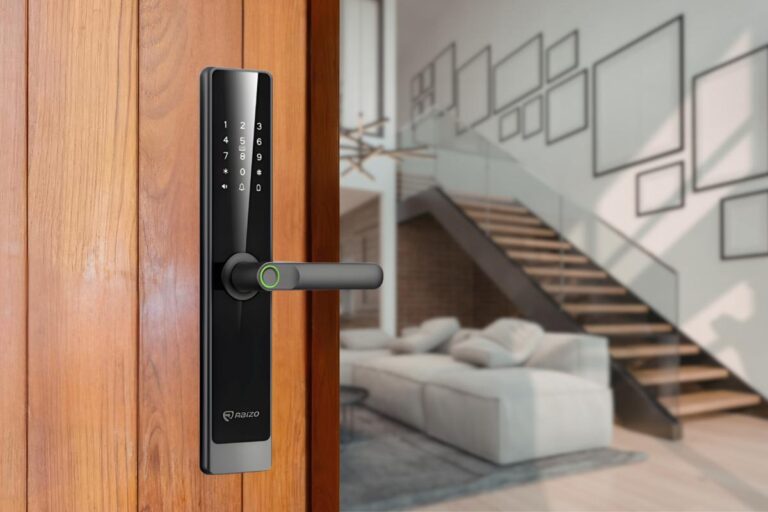
Direct Answer
Smart door locks work by replacing the physical key with a digital credential, such as a card, PIN, mobile app, or fingerprint.
A connected management platform lets building teams issue, revoke, and monitor access across all units from a single dashboard.
The lock receives the credential, verifies it, and triggers a motor to switch the bolt. All access events are logged automatically in real time.
Malaysian property buyers today expect keyless, app-based access as a standard feature, not a luxury upgrade.
For developers and building managers, this shift means smart door locks are no longer optional and luxurious; they are quickly becoming a baseline expectation in new residential launches.
Yet for many property teams, the question remains: how do smart door locks work at scale, across hundreds of units, with real residents, real complaints, and real operational pressure?
Understanding how smart door locks work is essential before you specify a system for your next development. This guide covers the mechanics, how credentials are managed, how the system integrates with your existing property infrastructure, and what to look out for before you specify a supplier.
How Do Smart Door Locks Work?
A smart door lock works in 3 steps:
- A resident presents a credential (fingerprint, RFID card, PIN, mobile app, or fingerprint)
- The lock verifies the credential against an approved list
- If valid, a motor inside the lock turns the bolt to grant access. Every attempt, successful or not, is logged with a timestamp.
A smart door lock does the same job as a traditional lock: controlling who can open a door.
The difference is that, instead of a physical key, it uses a digital credential that can be created, changed, or cancelled remotely, without anyone needing to go near the door.
There are two fundamental layers to every smart lock system:
- The hardware layer: the physical lock mounted on the door, including the bolt, motor, and reader.
- The software layer: the property management system (PMS) that controls which credentials are valid for which doors at which times.
Important distinction:
Consumer smart locks (the kind you buy at a hardware store) and property-grade smart locks look similar from the outside. Internally, they are very different products.
Property-grade systems are designed to manage hundreds of doors simultaneously across units, with multi-level user permissions and enterprise-level support.
The Core Components Inside a Smart Lock
Every property-grade smart lock has 4 key components:
- A locking mechanism (the physical bolt).
- A credential reader (fingerprint, RFID card, PIN, mobile, and face).
- A connectivity module (how it communicates with the PMS
1. The Locking Mechanism
Most property-grade smart locks are built on a mortise lock body, the same robust mechanism used in commercial buildings for decades.
What makes it ‘smart’ is the addition of a small motor or actuator that physically turns the bolt as soon as the lock receives the digital credential.
Hardware quality matters significantly here. A budget consumer lock and a property-grade unit both respond to a card tap, but the differences are in the following:
- Cycle life: How many open/close operations it can perform before failing (property-grade units are typically rated at 200,000+ cycles)
- Motor reliability: consistent torque under heavy use and varying weather conditions
- Fail-safe behaviour: what happens during a power cut or system fault (fail-secure vs. fail-open)
2. The Credential Reader
The credential reader is what the lock uses to identify the person requesting access.
Most modern smart locks for properties support multiple credential types simultaneously, allowing your residents to choose their preferred method.
Common reader types used in Malaysian residential developments:
- Biometric (fingerprint or face recognition): increasingly common in serviced apartments and premium residential launches
- RFID card: the familiar tap card, still the most widely issued credential in Malaysian condominiums
- PIN keypad: typically used as a secondary method or for temporary visitor access
- Mobile/Bluetooth: the resident uses their smartphone as the key via a dedicated app (such as RaizoSmart).
3. The Connectivity Module
The connectivity module is what makes a lock ‘smart ‘. ‘ It is the core component that connects the lock to the property management system, enabling remote credential management, access logging, and alerts.
Common connectivity protocols used in property developments:
Protocol | Best For | Power Draw | Notes |
|---|---|---|---|
Wi-Fi | Direct connectivity, easy setup | Higher | Best for low unit-count projects |
Bluetooth | Mobile key delivery | Very low | Short range; pairs with app-based access |
Zigbee / Z-Wave | Large buildings, mesh networks | Low | Ideal where individual Wi-Fi per door is impractical |
What this means for your project: your choice of connectivity protocol affects installation cost, battery life, and the network infrastructure you need to provision before handover.
For Raizo PMS, the connectivity protocols we use are WiFi and Bluetooth, which provide a secure connection.
How Access Credentials Are Created and Delivered
- A credential is created once in the management platform and pushed automatically to all relevant locks.
- The resident receives their access method, an RFID card or a mobile app activation, and every use is logged.
- On move-out, one action in the platform revokes all their access simultaneously.
Understanding the credential lifecycle is essential for property teams managing handover phases and ongoing resident turnover.
Here is how it works end to end:
- Management creates a credential in the PMS platform, a card number, PIN, or mobile key. and assigns it to Unit 12-3 for Resident: Tan Wei Ming.
- The platform pushes the credential to all relevant locks: front gate, lobby, car park barrier, lift, and unit door.
- The resident receives their access method, such as an RFID card or mobile key, issued by the system.
- Every access attempt is logged automatically with the timestamp, door location, unit number, and credential used.
- On move-out, management revokes all credentials in the platform. The update is pushed to all relevant locks within seconds. They don’t have to physically collect the keys.
What Happens Without an Internet Connection?
This is one of the most common concerns from property decision makers, and a legitimate one.
A system that fails when the internet drops is not suitable for a residential building.
Offline credential caching is the solution. The local controller (or the lock itself, in some systems) stores a local whitelist of valid credentials. This means the lock continues to grant or deny access independently of cloud connectivity.
When the connection is restored, the system uploads all access logs automatically, and any pending credential changes, such as a revocation processed during the outage, are applied immediately.
The key principle: a well-designed system is engineered to fail-secure, meaning if something goes wrong, the default is to protect the building, not leave doors open.
How Smart Locks Are Managed at Scale
A property management system (PMS) lets the building team control every access point across the development from one screen. They can issue or revoke credentials, set time-based rules, generate access reports, and receive real-time alerts, all without physically visiting a single door
This is where multi-unit property systems differ entirely from a single smart home setup.
The property management system is the operational core, where your team spends their time on a single platform.
From one platform, the building management team can:
- Issue and revoke credentials for any unit or common area at any time
- Set time-based access rules. For example, a contracted cleaner can only access common areas between 9 am and 5 pm on weekdays
- Pull access reports for any door, any resident, and any time period for audit purposes.
- Receive real-time alerts for forced entry attempts, held-open doors, or repeated failed access attempts.
- Manage multiple blocks or development phases from a single account
User Role Hierarchy
Access permissions in a well-structured system are layered across different user types.
Each role has defined boundaries; they can only see and control what their role permits.
- Developer / Master Admin: full access to all units and common areas during construction and handover
- Building Management: operational control after handover; can issue and revoke resident credentials
- Unit Owner: controls their own unit door and can issue sub-credentials to tenants or family members
- Resident / Tenant: access to their unit and authorised common areas only
- Temporary Access: time-limited credentials for contractors, delivery personnel, friends, and cleaners
How Smart Locks Integrate With Other Property Systems
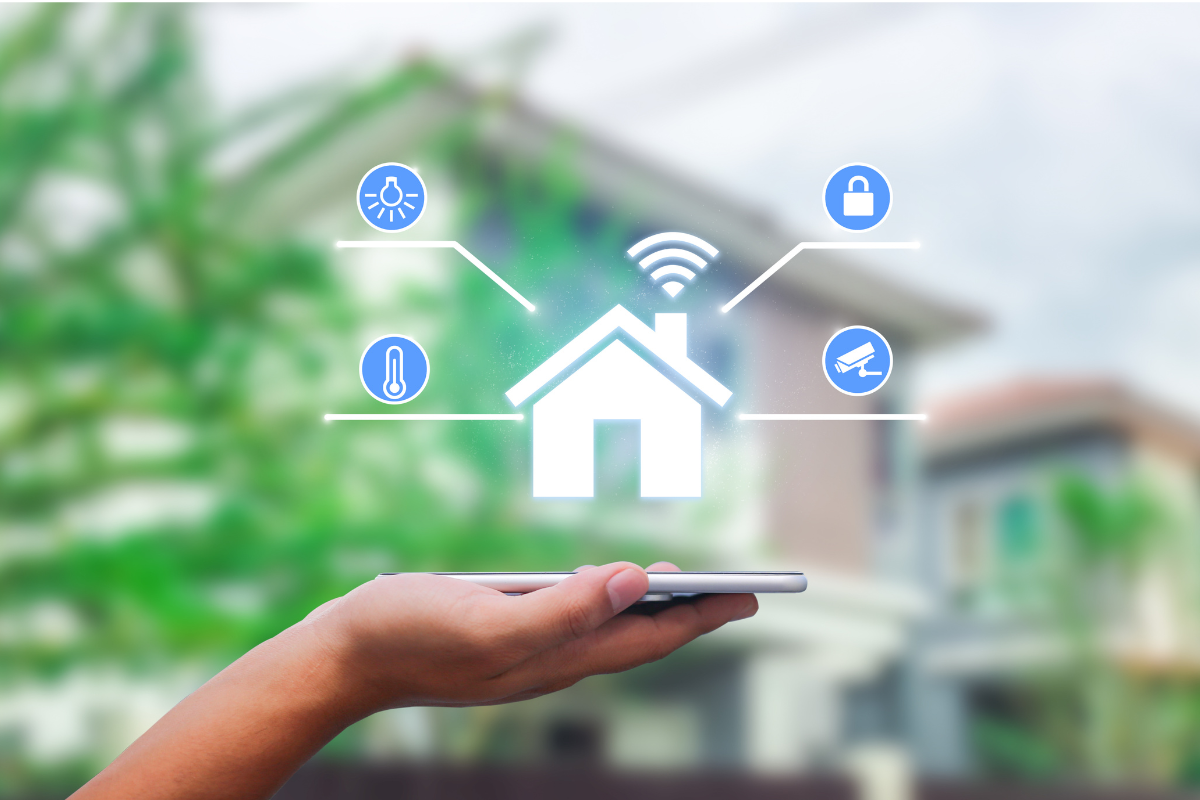
Smart locks in a well-designed development connect to the property management system (PMS), visitor management system (VMS), and building automation. This shared backbone means one credential, an RFID card or mobile key, handles all access points across the property.
Smart locks do not operate in isolation. The real operational value comes from how they connect to the rest of your building infrastructure.
Property Management System (PMS) Integration
Move-in and move-out workflows can be automated when the smart lock platform is connected to your PMS.
When a unit’s status changes in the PMS from vacant to occupied, the system automatically issues the new resident’s credentials and revokes the previous tenant’s.
For developers managing large handover phases with hundreds of units activating within weeks, this automation significantly reduces administrative workload and the risk of access errors.
Visitor Management System (VMS) Integration
When a visitor arrives, they register at the guardhouse or via a resident-facing app.
The resident or management approves the visit, and a temporary PIN or QR code is automatically generated, valid only for a specific time window.
The lock logs the visitor’s entry and exit automatically. No guard needs to manually operate doors, and there is a full digital record of every visitor for every unit.
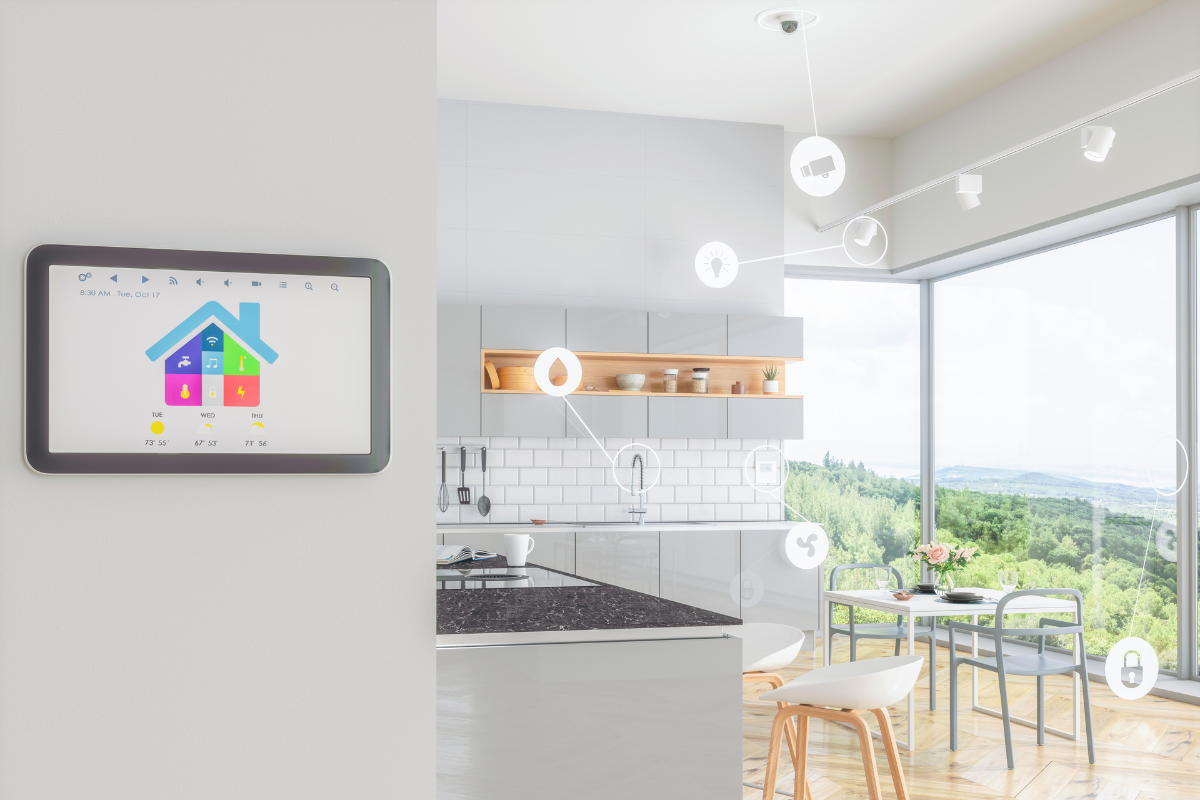
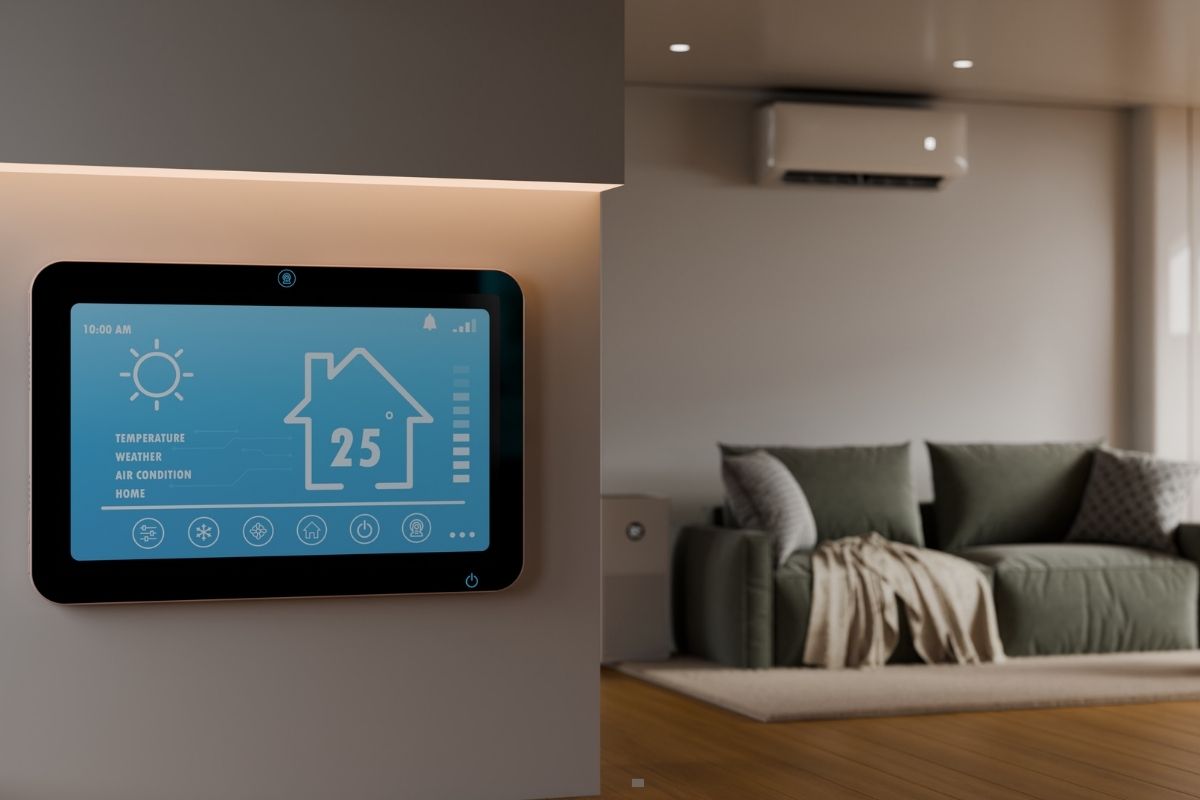
Smart Home and Building Automation Integration
For serviced apartments and premium residential projects, smart lock status can trigger automation scenes. The lights activate when the door unlocks; air conditioning starts when the resident arrives home.
The Matter protocol and other open standards are making these integrations increasingly straightforward across different hardware brands.
When specifying a system, ask whether the platform supports open API integration for future flexibility.
Like Raizo Smart Lock Malaysia, our system supports both PMS and smart home integration that enhance both operational efficiency and guest experience.
Cybersecurity and Data Protection: What Property Teams Must Know
Smart lock platforms store encrypted access logs that contain personal data: who entered, when, and from which unit. In Malaysia, this falls under the Personal Data Protection Act (PDPA). Property developers and management companies are data controllers and carry legal obligations around how this data is stored, used, and protected.
Cybersecurity concerns around smart locks are legitimate and warrant direct attention during supplier evaluation. The goal is not to create fear, but to ask the right questions before committing to a platform.
How Resident Data Is Protected
Reputable smart lock platforms use AES-256 encryption for data stored at rest and TLS encryption for data transmitted between the lock, controller, and cloud platform.
What to ask any supplier:
- Where exactly is our resident data hosted: Malaysia, Singapore, or overseas?
- Who within your organization has access to our data?
- What is your incident response process in the event of a data breach?
PDPA Compliance Considerations
Access logs are personal data under Malaysian law. They record when a specific individual entered or attempted to enter a specific location.
As the entity collecting and using this data, your organization is classified as a data controller under the Personal Data Protection Act (PDPA) 2010.
A PDPA-compliant smart lock platform should be able to provide the following:
- Data export functionality: so you can retrieve resident records on request
- Data deletion capability: to comply with removal requests
- Clear data retention policies: specifying how long access logs are stored
- Documented consent mechanisms: for resident acknowledgement at move-in
What Happens If the Cloud Provider Shuts Down?
This is a question every supplier should be able to answer clearly. If the platform provider ceases operations or is acquired, your building management should not be locked out of its own system.
What to look for:
- Local or hybrid server options: the ability to host the platform on-premise or in a private cloud
- Data portability guarantees: the ability to export your full access log history and resident database in a standard format
- Contractual data ownership clauses : ensuring that your data remains yours, not the vendor’s
Common Failure Scenarios and How Good Systems Handle Them
No system is failure-proof, but property-grade smart lock platforms are designed with contingency protocols for the most common failure modes. The table below shows what to expect from a well-engineered system.
Property decision makers are right to think about failure modes before committing to a system. Here is how a properly specified system should respond to each scenario:
Failure Scenario | How a Good System Handles It |
|---|---|
Internet goes down | Offline credential cache keeps all locks operational. Logs are stored locally and synced when the connection is restored. |
Battery dies | The lock sends low-battery alerts to management with sufficient lead time. A mechanical key override remains available as a last resort. |
Resident loses their card | Management revokes the old credential and issues a new one in under 2 minutes, from any device, without visiting the door. |
Lock hardware fault | The lock sends the tamper alert to management immediately. The full access log for that door is preserved for audit purposes. |
Resident locked out at 2 am | After-hours support protocol is activated. Remote unlock capability allows management or the support team to grant access without a site visit. |
Cyber intrusion attempt | Encrypted communication and access logging means all unusual patterns are flagged. Supplier should have defined incident response SLAs. |
What to Evaluate Before Specifying a Smart Lock System
Smart lock purchasing decisions in property development involve technical, procurement, and management teams. The 7 questions below are designed to give each stakeholder the information they need to evaluate any supplier with confidence.
The technology behind smart locks is mature and largely proven.
The risk for property developers lies not in the locks themselves, but in selecting the wrong supplier, underestimating integration requirements, or overlooking post-handover support.
Use these questions in any supplier evaluation or tender process:
- Does your system support offline operation? How long can it run without cloud connectivity, and how are credential changes handled during an outage?
- Can your platform integrate with our existing PMS or VMS? Ask for documented API specifications and references from completed integrations.
- Where is resident data hosted and how do you support PDPA compliance? Request the data processing agreement and retention policy in writing.
- What is your local support structure in Malaysia? Confirm response time commitments, spare parts availability, and whether support staff are locally based.
- What does the warranty cover? Clarify whether it covers hardware replacement, software updates, and on-site labor and for how long.
- Can you provide references from completed multi-unit projects of similar scale? Request contact details for building managers, not just developer names.
- What happens to our data and system access if we stop using your platform? Get the data portability and exit terms in writing before signing any contract.
Conclusion
How smart door locks work is only half the story. The real value comes when the hardware, software, and support are treated as a single integrated system, not a standalone product purchase.
The technology is proven and increasingly expected by Malaysian property buyers. The operational benefits are real: faster handovers, fewer access complaints, reduced guard dependency, and a complete digital audit trail for every door in the development.
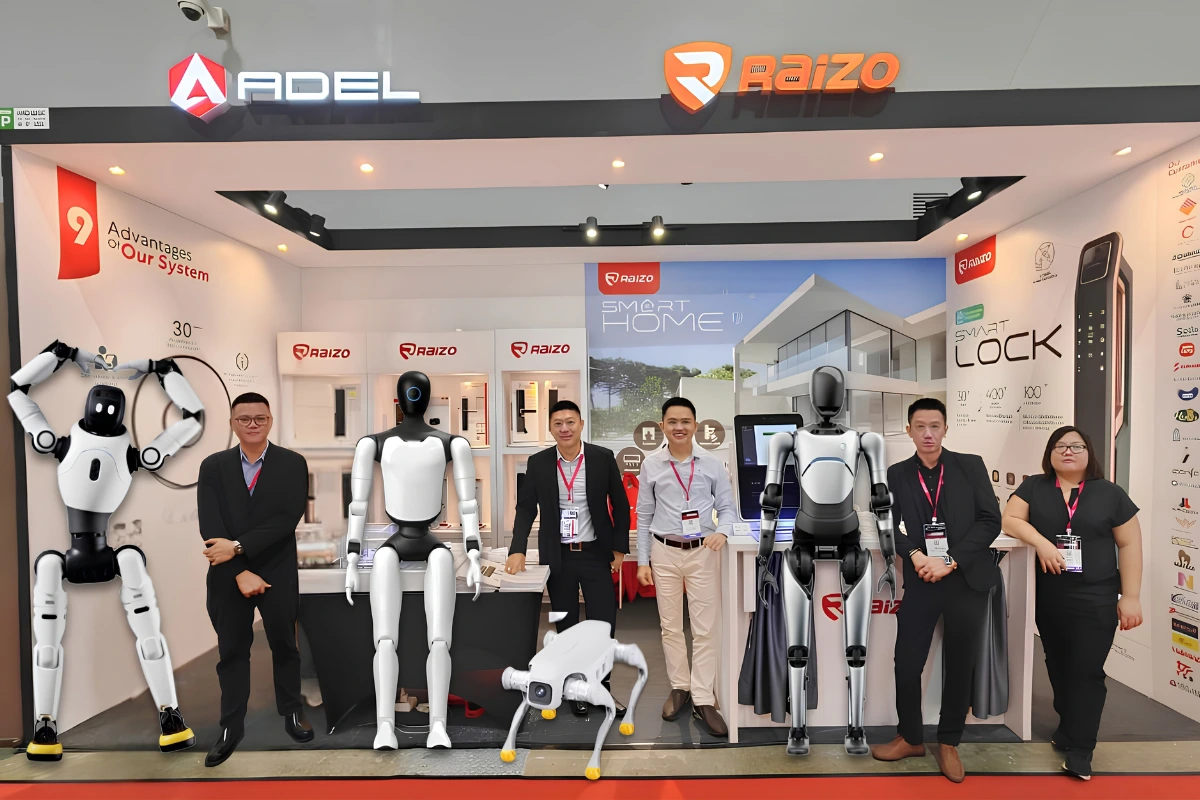
Evaluating smart access for your upcoming projects? Discover the Raizo smart home solution suitable for multiple property units, or talk with our experienced team that will guide you in the planning today.